Planning your MVP3 min read
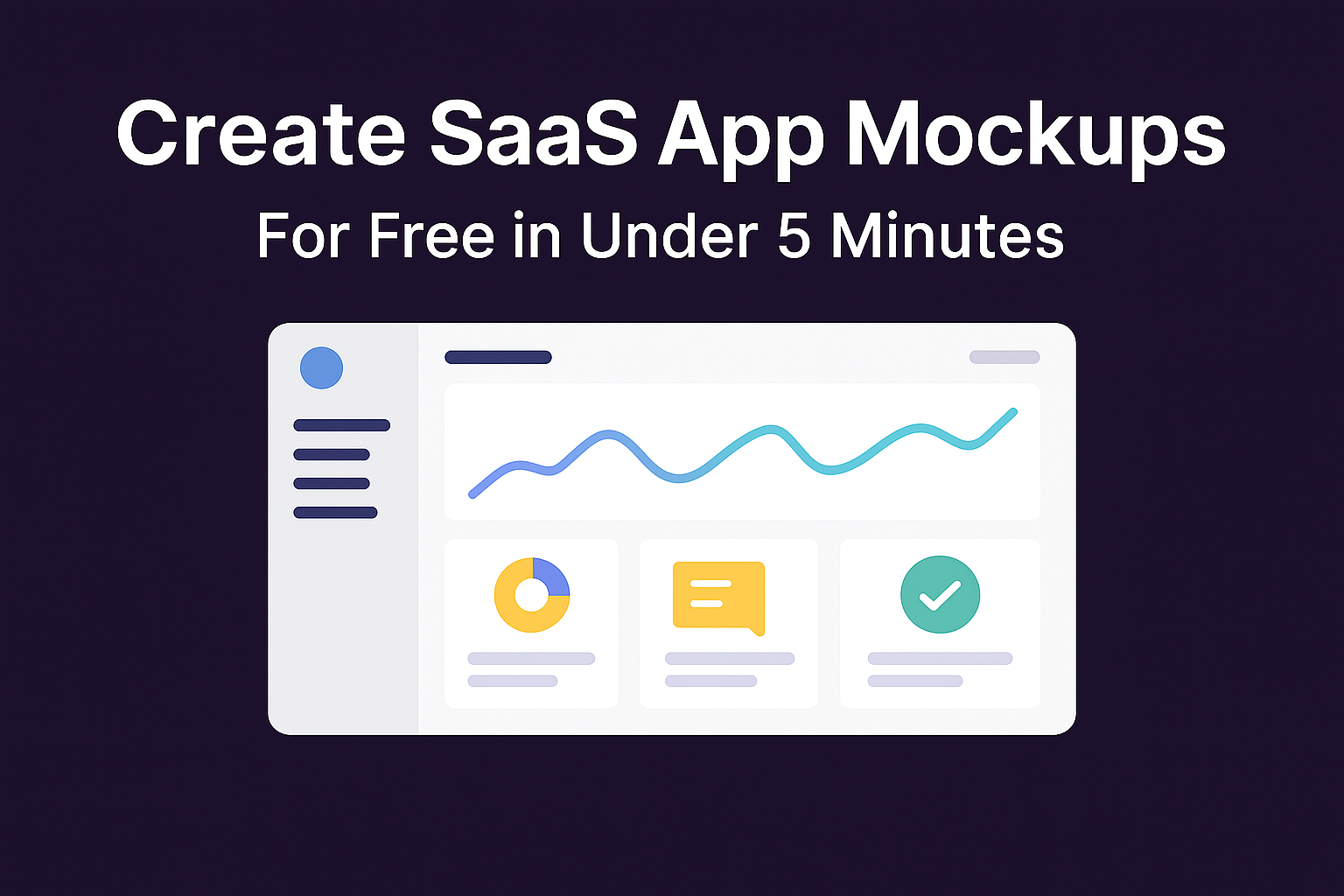
Create SaaS App Mockups for Free In Under 5 Minutes
Turn your plain text idea into a clickable mockup with bolt.new, then launch with Bubble

Key takeaways
- Some bugs may appear in the mockup.
- Start simple and iterate. Use the device preview in bolt.new to confirm tablet and mobile breakpoints.
- Send your bolt.new file to alex@boostercartel.com and we will convert it into a production ready Figma document.
- If you want a mockup created for you by our team, visit boostercartel.com/wireframe
AI now lets anyone turn SaaS app ideas into on-screen visuals in a matter of minutes.
In this guide, I will walk you through every step using Bolt.new so you can see your concept on screen fast and free.
Seeing a mockup first is powerful because it allows for much more clarity than a written scope of work. Use the mockup to quickly share your vision with potential partners, investors, designers, or developers.
You can use Bolt.new for dashboards, landing pages, onboarding flows, or any SaaS or marketplace idea that needs to move from a concept to a visual draft.
Step-by-step workflow
- First, you’ll need to have an MVP Feature List. Use this guide to quickly get a refined feature list: boostercartel.com/idea-generation-guide
- Create a Bolt.new account.
Use this prompt to create a quality mockup of your app in about 2 minutes.
You are a design and development expert.
Create the required page(s) based on the description below. There should be no required fields so that each button will work for testing even if some conditions aren't met. The first version of this app is meant for design and testing purposes only.

<layout>Use sidebar navigation for main pages of a dashboard and tabs to display different groups within those dashboard pages. Create a persistent sidebar layout where the sidebar is fixed to the left side and the main content area is positioned beside it (not underneath or overlaid). The sidebar should push the content to the right, creating a true side-by-side layout.</layout>

Each user type should have a demo login so I can quickly login as each user type.

Once the page(s) have been designed, give me a brief list and description of each page (with URLs). Then provide a list of pages that are left to be designed.

App description: {insert your app idea}- Paste that prompt into bolt.new and generate the first version. Review the layout and check for missing components or spacing issues. The prompt will also generate a list of pages so you can get a complete understanding of what is already built.
If you are creating a mobile app or a mobile-first web app, replace the <layout> section with this prompt:
<layout>This is a mobile-first web app so each screen should be optimized for mobile screens. Use a footer menu for navigation.</layout>- Iterate or continue the chat to refine the mockup. For example: "Add a progress ring for weekly mileage" or "Move the KPI cards into a two by two grid." Continue refining until the layout feels right.
- Continue building any of the relevant pages that are left to create.
- Apply styling with prompts like: "Use #1A73E8 as the primary colour, rounded buttons, and a modern sans serif font." You can also create a dark mode variant by prompting: "Toggle dark theme."
- Once the design looks solid, you can use this to share with interested parties or import the design into Figma to make final adjustments. At this stage, you are ready to validate & test your app idea. Learn exactly how to do that here: boostercartel.com/idea-validation-guide
Fixing Bugs
Some bugs may appear in the mockup. I regularly get a bug with the sidebar floating over the base screen and partially blocking it from view. This prompt tends to fix it:
Adjust the layout of the application to feature a persistent sidebar alongside the main content area. The sidebar should be positioned to the side of the content, allowing the content to flow beside it rather than being obscured or cut off. Ensure that the sidebar and content area are responsive and adapt to different screen sizes, maintaining readability and usability across various devices. The sidebar should remain visible and accessible as the user navigates through the application's pages.Practical guidance
Start simple and iterate. Use the device preview in bolt.new to confirm tablet and mobile breakpoints.
Avoid adding back-end logic into prompts and do not expect the output to be production ready. Think of bolt.new as a fast sketching tool rather than a replacement for design and development.
Want help finalizing your mockup?
Send your bolt.new file to alex@boostercartel.com and we will convert it into a production ready Figma document. We refine spacing, apply brand guidelines, add missing screens, popups, and error states, then pass it to development.
Our team builds the MVP in Bubble, wires the database, authentication, and API integrations, and delivers a launch ready app.
Struggling with the mockup?
If you want a mockup created for you by our team, visit boostercartel.com/wireframe
Cheers,
Alex
P.S. - If you already have a mockup and are ready to build, schedule a call at boostercartel.com/strategy